Safe for Me (SFM) is a personalized identifier created for patients after patch testing identifies their allergens. Linked to a SkinSAFE account, SFM automatically filters out products containing those allergens. This makes it easier for patients to find safe options and avoid reactions, giving them confidence in their daily choices.


Log in to your SkinSAFE account to see your personalized allergen list and safe product matches.
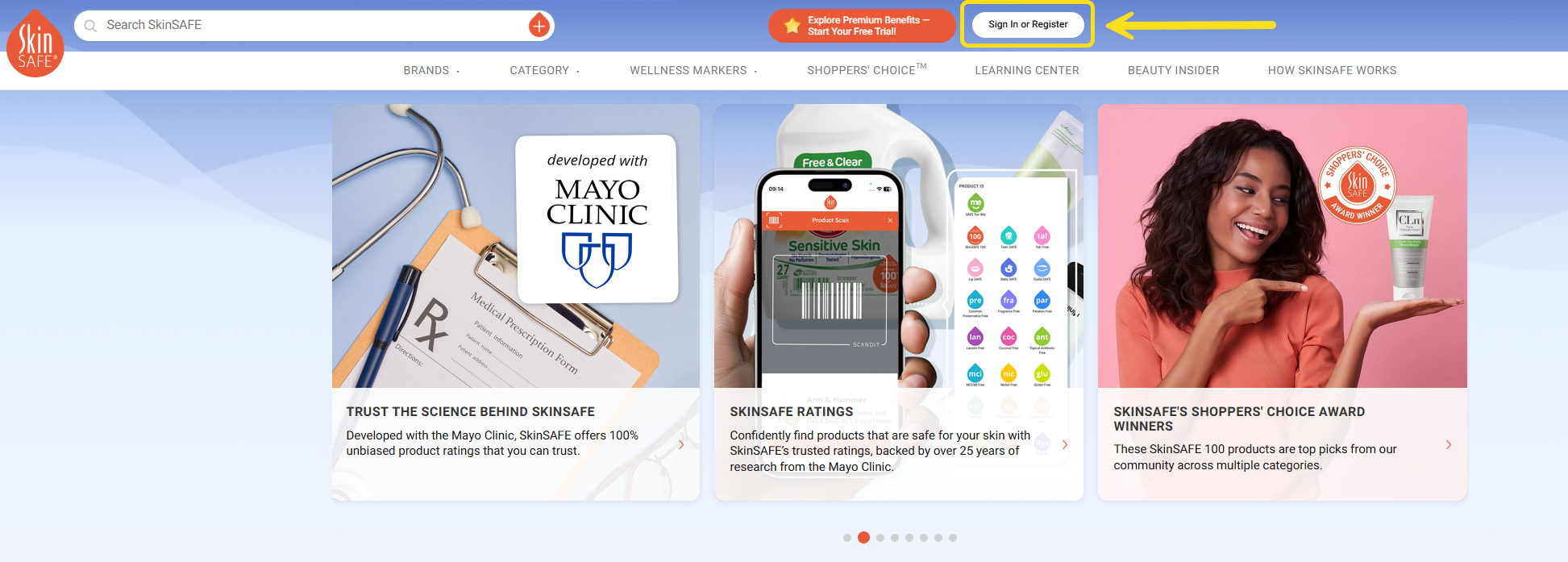
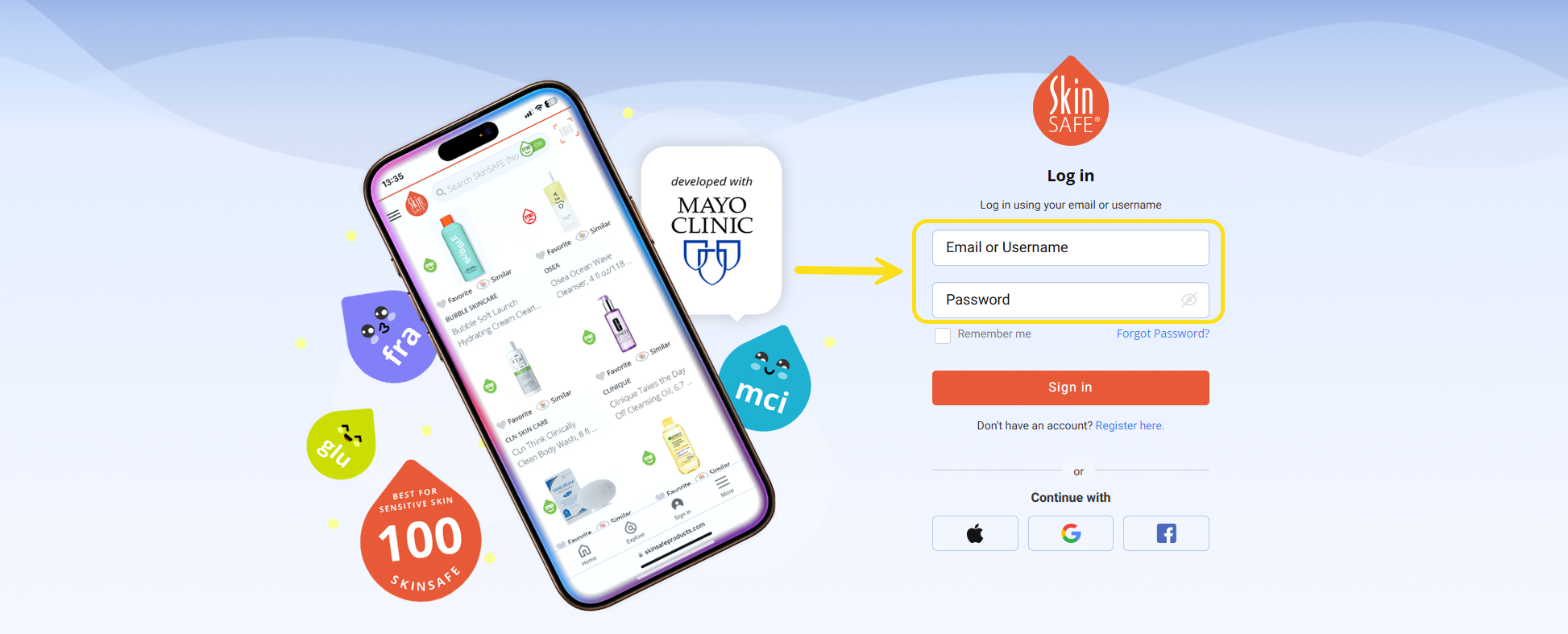
You can also register through the link in your invite email — it includes your new allergen code to get you started.
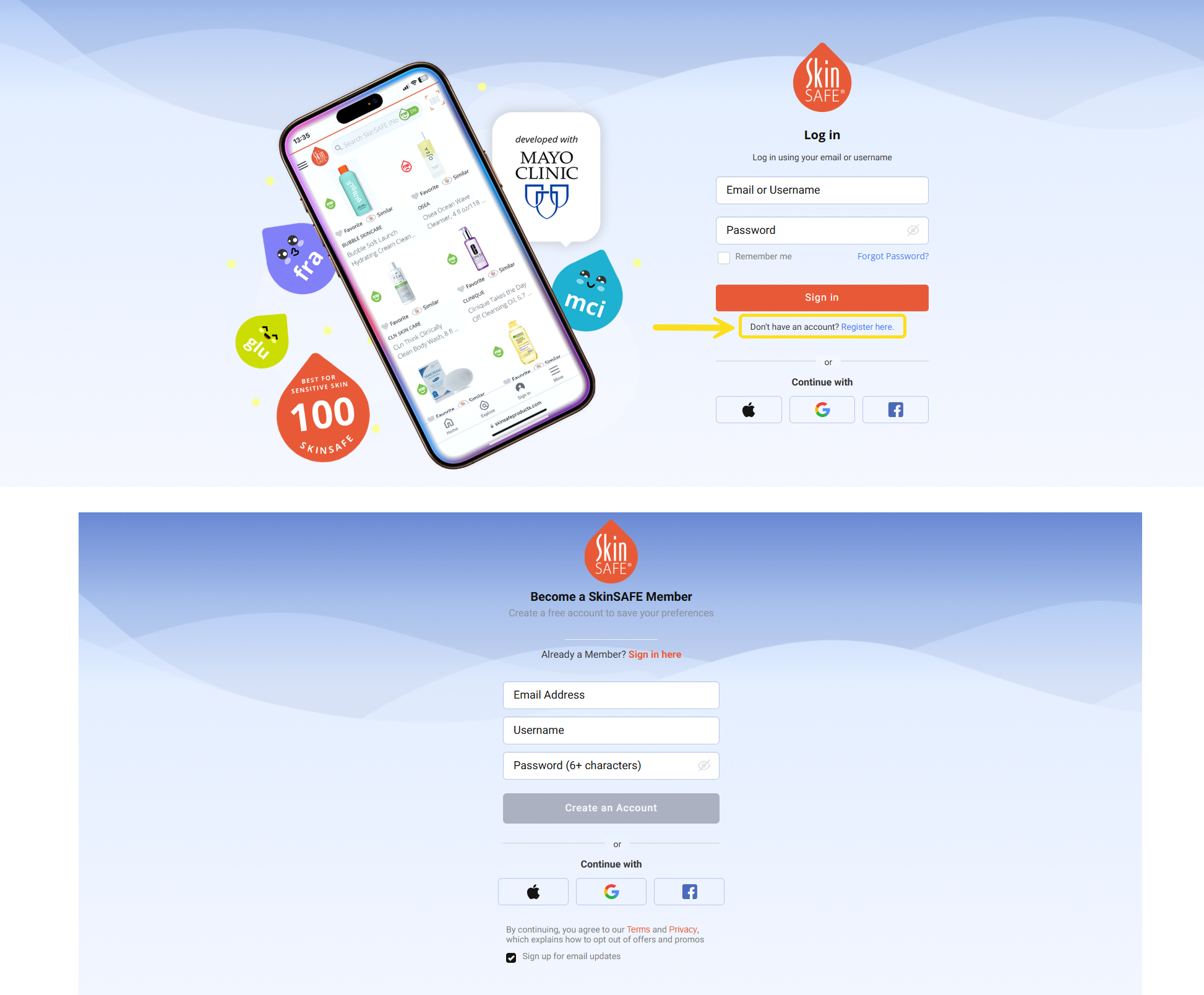
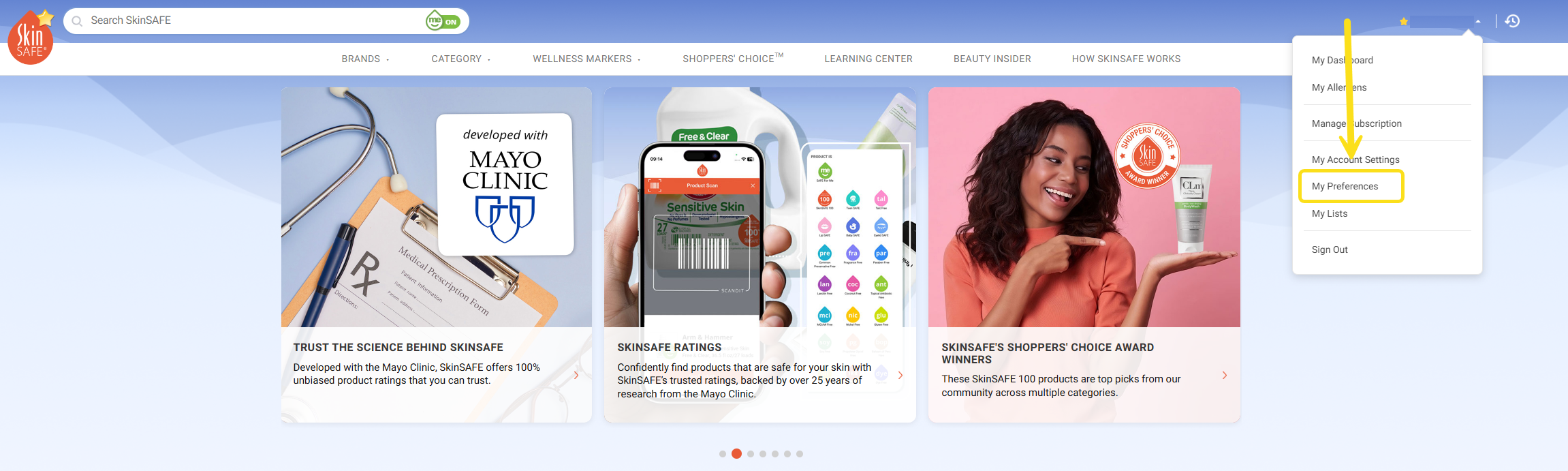
Open the user menu by clicking the arrow icon. Choose My Preferences to continue.
Click the My Allergens button to check that your allergen list is accurate.

Your Allergen Code
All of the allergens saved in your code are listed on this page. Please check that the list is accurate.
If you have questions about any allergen, reach out to your healthcare provider for guidance.
How It Works
Your allergen code activates the Safe for Me filter on the SkinSAFE site.
With the filter turned on, you’ll only see products that are safe for your specific allergen list.
The system automatically excludes your allergens and related allergens that could cause similar reactions.
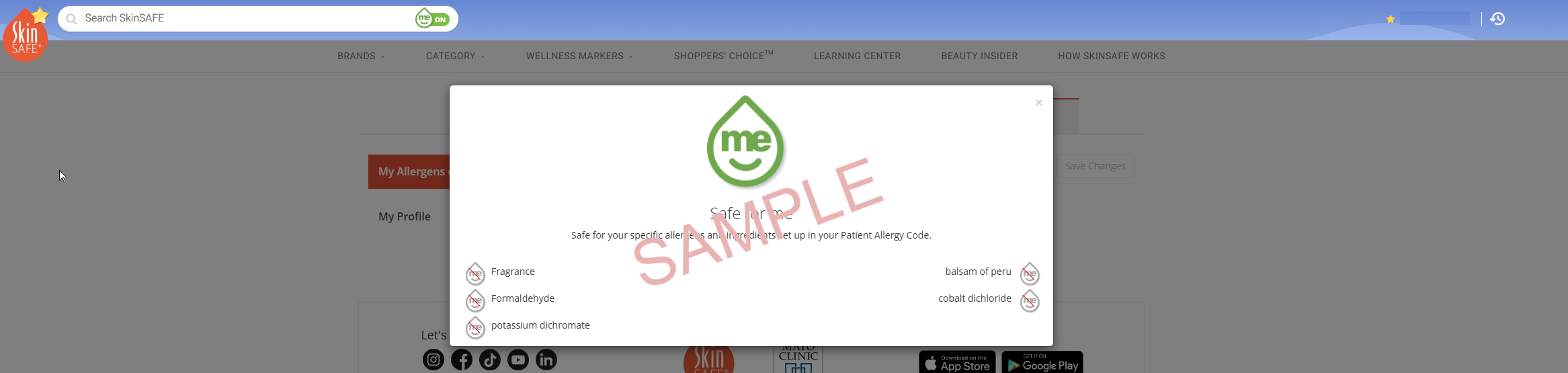
Thank you for taking the time to set up your Safe for Me (SFM) filter. With your allergen code in place, you can browse SkinSAFE confidently, knowing that only products safe for your unique needs will appear.
If you have any questions, please contact us at SkinSAFE Support.